
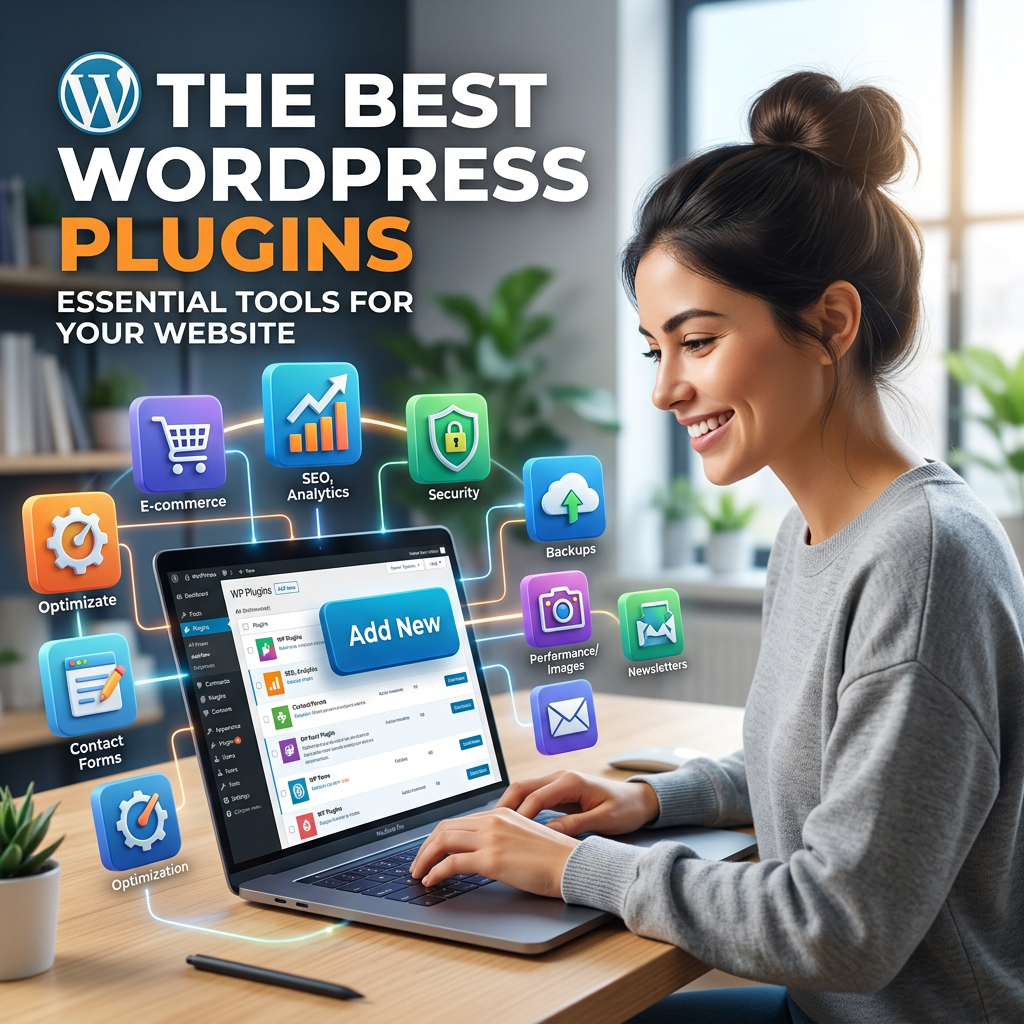
One of WordPress’s biggest strengths is its plugin ecosystem — over 60,000 plugins that let you add functionality without writing a single line of code. But that abundance can also be overwhelming. Which plugins actually matter for a growing business website, and which are just bloat?
Here are 5 categories of plugins every business WordPress site should have — plus what to look for in each one.
1. An SEO Plugin
If your website doesn’t show up in search results, it’s not doing its job. An SEO plugin gives you control over the technical details that influence how Google understands and ranks your pages — without requiring any coding knowledge.
What it should do: Let you set custom page titles and meta descriptions for every page and post, generate an XML sitemap, control which pages are indexed, add schema markup, and analyze your content’s readability and keyword usage.
Popular options: Yoast SEO and Rank Math are the two leading choices, both with strong free versions that cover the essentials most growing businesses need before stepping up to a premium tier for multi-author workflows.
2. A Security Plugin
WordPress’s popularity makes it a target. Without basic security measures, your site is vulnerable to brute-force login attempts, malware injections, and other attacks that can take your business offline or damage your reputation.
What it should do: Monitor for malware and suspicious file changes, provide a firewall against common attack patterns, limit login attempts, and alert you to vulnerabilities in your installed plugins and themes.
Popular options: Wordfence and Sucuri are both well-established and offer solid free tiers, with premium plans that add real-time alerts and more detailed reporting as your site and team grow. If you’re on managed WordPress hosting, much of this protection may already be built in at the server level — worth checking before adding a redundant plugin.
3. A Backup Plugin
If something goes wrong — a bad plugin update, a hosting issue, a hack — a recent backup is the difference between a quick recovery and losing months of content. This is non-negotiable for any business website.
What it should do: Automatically back up your database and files on a regular schedule, store backups off-site (not just on the same server as your website), and allow one-click restoration if something goes wrong.
Popular options: UpdraftPlus is a widely trusted free option that supports off-site storage to Google Drive, Dropbox, and other services. Many managed WordPress hosts also include automated backups as part of the hosting plan — always confirm what’s included before adding a separate plugin.
4. A Caching / Performance Plugin
Site speed directly affects both your search rankings and your conversion rates. A caching plugin reduces the work your server has to do for each visitor, dramatically improving load times — especially as traffic grows.
What it should do: Generate and serve cached versions of your pages, minify CSS and JavaScript files, optimize image loading (lazy loading), and integrate with a content delivery network (CDN) if you’re using one.
Popular options: WP Rocket (premium, but excellent) and W3 Total Cache (free) are both strong choices. As with security and backups, many managed WordPress hosts include caching at the server level, which may reduce or eliminate the need for a plugin.
5. A Forms Plugin
Your website needs a way for visitors to contact you, request quotes, or sign up for your newsletter. A good forms plugin makes building and managing these forms simple, without needing a developer every time you want to make a change.
What it should do: Provide a drag-and-drop form builder, support conditional logic (showing/hiding fields based on previous answers), integrate with your email and CRM tools, and include spam protection.
Popular options: WPForms and Gravity Forms are both excellent. WPForms has a generous free tier that covers basic contact forms well; Gravity Forms is a premium option with more advanced features for complex forms, multi-step workflows, and CRM integrations.
Honorable Mentions
Depending on your specific business, a few other plugin categories are worth considering:
- WooCommerce — if you sell products online, this is the foundation of your store
- Email marketing integration — to connect your site to Mailchimp, Klaviyo, or similar platforms
- Image optimization — plugins like Smush or ShortPixel automatically compress images for faster loading
- Social sharing — tools like Jetpack Social to automatically share new posts to your social media accounts
A Word of Caution: Less Is More
It’s tempting to install a plugin for every feature you can imagine, but each one adds overhead, potential security vulnerabilities, and a chance of conflicts with other plugins. This gets worse, not better, as an organization grows and more people have admin access — a good rule of thumb: every plugin on your site should serve a clear purpose. If you’re not sure why a plugin is installed, it’s worth investigating — and possibly removing it.
Quality matters more than quantity. A handful of well-chosen, well-maintained plugins will serve your business far better than a bloated installation of a dozen overlapping tools.
Not Sure What Your Site Needs?
At Interactive Design Group, every custom WordPress website I build comes with a carefully selected set of plugins chosen specifically for that business’s needs — not a generic bundle. I handle the technical decisions so you don’t have to guess.
Contact me for a free website review — I’ll take a look at your current plugin setup and let you know what’s helping, what’s hurting, and what’s missing.