
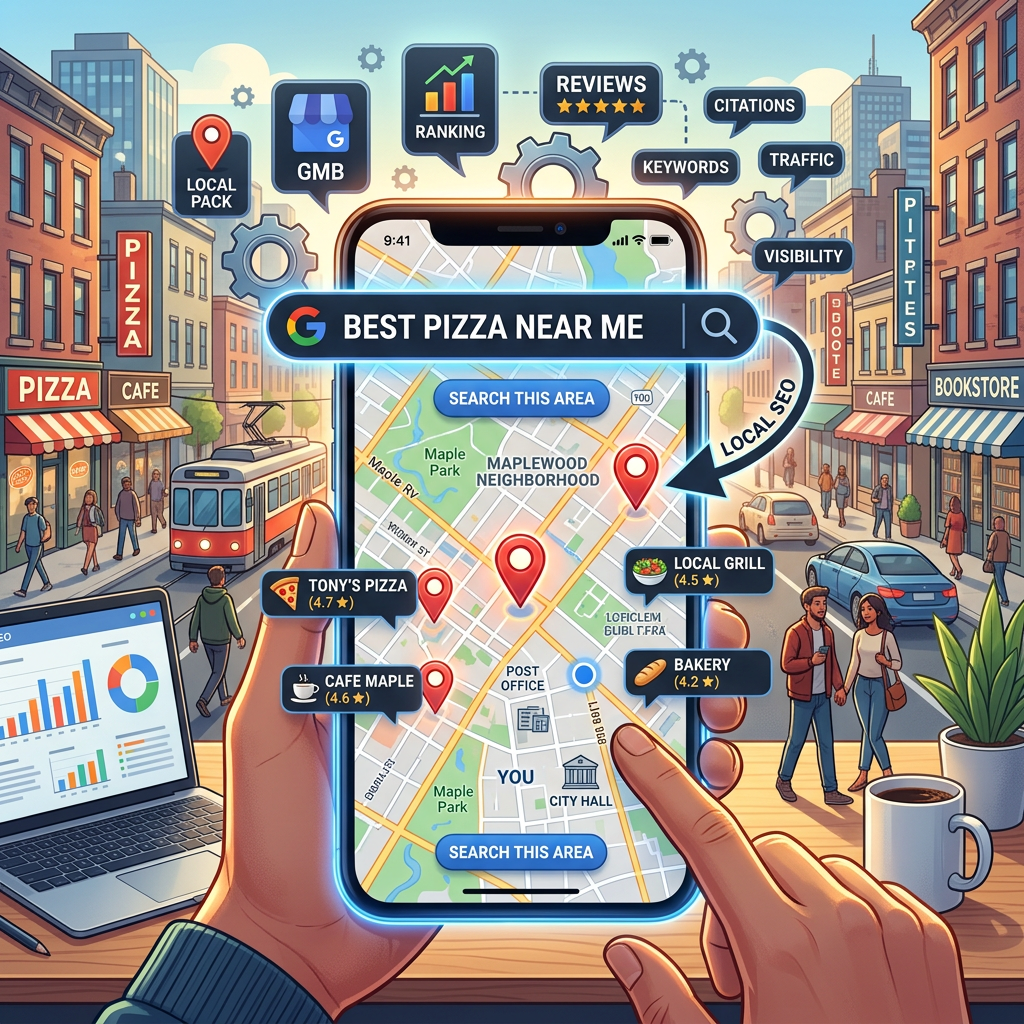
When someone searches for a service near one of your branches or locations, do you show up — at every location, not just headquarters? For businesses that operate across multiple markets, local SEO isn’t optional, and it’s a lot harder to get right than it is for a single-location shop. Each location is competing in its own local search results, and a strategy that isn’t built to scale tends to produce strong results in one market and near-invisibility in the others.
Here’s a practical, no-fluff guide to improving local search presence across every location you operate, in 2026.
1. Claim and Optimize a Google Business Profile for Every Location
This is the single most important local SEO asset you have, multiplied by every location you operate. Each Google Business Profile is what shows up in the “map pack” — the top 3 local results with a map that appear above regular search results for local queries — and each one ranks independently based on its own signals.
What to do:
- Claim a separate listing for every physical location, at google.com/business
- Fill out every field completely for each one — business name, address, phone, hours, website, business category, and services
- Add high-quality photos specific to each location, not a shared stock set
- Keep hours accurate per location, especially around holidays and regional differences
- Choose the most specific business category available for each listing (not just “Business” or “Service”)
- Assign clear ownership — someone at each location, or a central marketing team, responsible for keeping that profile current
2. Get Consistent NAP Across Every Location and Every Directory
NAP stands for Name, Address, and Phone number. Search engines cross-reference this information across the web to verify each location is legitimate and located where it says it is. Inconsistencies — even small ones, like “St.” vs. “Street,” or a location listed under a slightly different business name — can hurt rankings, and at multi-location scale these inconsistencies multiply fast if there’s no central process.
What to do: Standardize a NAP format and apply it identically across your website, Google Business Profile, Facebook, Yelp, and any industry directories — for every location. A spreadsheet tracking every listing per location, with a scheduled quarterly audit, prevents drift as locations open, close, or move.
3. Build Local Citations at Scale
A citation is any online mention of a business name, address, and phone number — whether or not it links back to your site. The more consistent, legitimate citations each location has, the more search engines trust that it’s real and established in its market.
What to do: List every location on relevant directories — Yelp, Bing Places, Apple Maps, and industry-specific directories, plus the local Chamber of Commerce for each market you operate in. For organizations with a dozen or more locations, a citation management tool (like Yext or BrightLocal) is usually worth the cost over manual upkeep.
4. Build Dedicated Location Pages on Your Website
Your website needs a dedicated page for every location that clearly signals where it operates and who it serves. A single generic “Contact Us” page doesn’t give Google — or a searcher — enough to associate you with any specific market.
What to do:
- Create a dedicated, unique page for each location — not a templated page with only the city name swapped in
- Include that location’s city and service area naturally in the page title, headings, and body copy
- Add the full NAP information for that specific location on its page and in your site footer
- Embed a Google Map for that location on its own page
5. Collect and Respond to Reviews at Every Location
Reviews are a major local ranking factor — and they directly influence whether potential customers choose one of your locations over a competitor’s. Both the quantity and recency of reviews matter, as does how you respond to them, and review performance often varies significantly across locations within the same organization.
What to do:
- Build a consistent process for requesting reviews at every location, not just the ones with an engaged manager
- Make it easy by sending a direct link to each location’s specific review page
- Respond to every review, positive or negative, professionally and promptly — ideally from someone with visibility into that specific location
- Track review volume and rating by location so underperforming locations get attention, not just averaged into a company-wide number
6. Add LocalBusiness Schema Markup for Every Location
Schema markup is structured data added to your website’s code that explicitly tells search engines key facts about a business — name, address, hours, phone number, and more. It doesn’t change what visitors see, but it helps search engines understand each location precisely, which can improve how that location appears in search results.
What to do: Add LocalBusiness schema markup to each individual location page, not just a single organization-wide schema on the homepage. This is typically handled through your SEO plugin (Yoast SEO and Rank Math both support this) or added directly by your development team.
7. Create Locally Relevant Content Per Market
Blog posts, case studies, and project showcases that reference a specific local market help reinforce that location’s geographic relevance — and give search engines more local content to index for that area.
What to do: Write about local events a specific location has sponsored, projects completed in that market, or guides relevant to that region. This kind of content also builds genuine community connection in each market, not just SEO value — and it signals to Google that each location is genuinely active, not just a listing.
8. Make Sure Your Site Is Mobile-Friendly and Fast
Most local searches happen on mobile devices — often from someone standing nearby a specific location, ready to call or visit. If your site is slow or hard to use on a phone, you’ll lose that customer to a competitor with a better mobile experience, regardless of how well any individual location ranks.
What to do: Test your site on your own phone, specifically on location pages. Check that each location’s phone number is clickable, its address links to a map, and the contact form works smoothly.
A Simple Multi-Location Local SEO Checklist
- ✓ Google Business Profile claimed and fully completed for every location
- ✓ NAP consistent across website, GBP, and directories, for every location
- ✓ Every location listed on relevant local and industry directories
- ✓ A dedicated, unique page built for every location
- ✓ An active, consistent review-collection process across all locations
- ✓ LocalBusiness schema markup added per location page
- ✓ Locally relevant content published for individual markets
- ✓ Mobile-friendly, fast-loading website across all location pages
Local SEO Is a Long Game — More So at Scale
Unlike paid advertising, local SEO doesn’t deliver overnight results — but it compounds over time, and at multi-location scale, consistency across every market is what separates organizations with a durable local search advantage from ones with a handful of strong locations propping up a weak average. The traffic it generates costs nothing per click, which matters even more when you’re generating it across a dozen or a hundred markets.
Need Help Getting Every Location Found?
At Interactive Design Group, I build websites with local SEO architecture that scales across multiple locations from the start — not bolted on as an afterthought once location twelve opens. I’ve helped businesses nationwide get every location found online since 2002.
Contact me for a free local SEO review — I’ll show you exactly where you stand across your locations and what to prioritize first.