
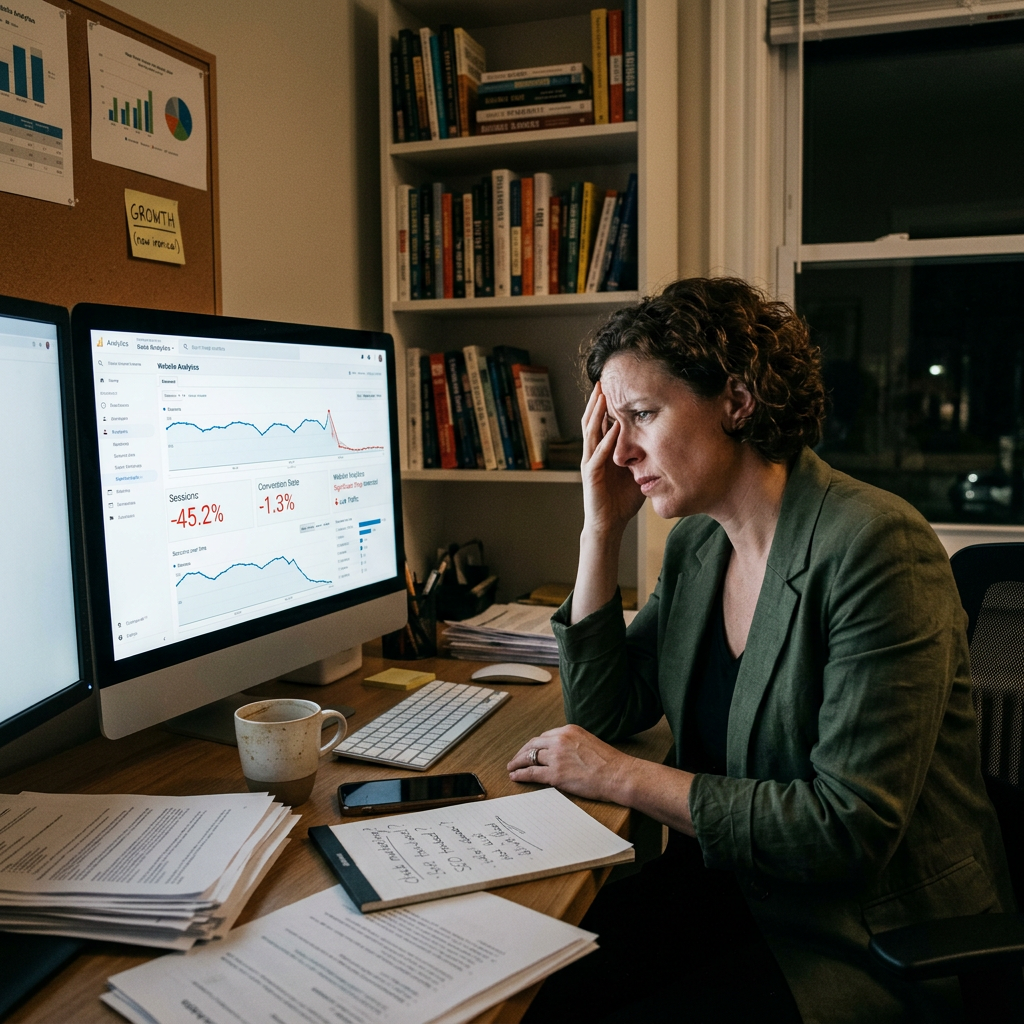
When I audit a website for a prospective client, I’m rarely looking for one big obvious problem. Usually it’s a handful of smaller ones stacking up — each one shaving off a percentage of visitors who would’ve otherwise converted. Here are the 10 I see most often, roughly in order of how much revenue impact I’ve seen them have.
1. It Loads Slowly
Every additional second of load time costs you conversions — the data on this is well established at this point. If your site is slow, Google also ranks it lower, which compounds the problem: fewer people find you, and the ones who do are more likely to leave before the page even renders.
What I’d check: Run your site through Google PageSpeed Insights. The usual culprits are unoptimized images, bloated plugins, and cheap shared hosting. A properly built, performance-optimized WordPress site fixes most of this at the foundation level, not with a plugin patch.
2. It Isn’t Actually Built for Mobile
Most traffic today comes from a phone. If your site technically “works” on mobile but wasn’t designed for it — cramped text, buttons too small to tap accurately, images that don’t scale — you’re giving the majority of your visitors a second-class experience. That’s a trust signal you don’t want to send.
What I’d check: Pull the site up on your own phone right now. Can you read the body text without zooming? Can you tap a button on the first try? If either answer is no, that’s not a cosmetic fix — it’s a conversion problem.
3. A Visitor Can’t Tell What You Do in 5 Seconds
When someone lands on your homepage, they should immediately understand who you are, what you offer, and why it matters to them. If that message is vague, buried, or hidden below the fold, you’re losing people before they’ve given you a real chance.
What I’d check: Read your homepage headline as if you’d never heard of your business. Is it specific, or is it marketing-speak? “Custom WordPress Development for Growing E-Commerce Brands” tells a decision-maker exactly what you do. “Innovative Digital Solutions” tells them nothing.
4. There’s No Clear Next Step
What do you actually want a visitor to do once they land on a page? Call you? Request a quote? Book a call? If that isn’t obvious and prominent on every key page, visitors leave without acting — not because they weren’t interested, but because you never told them what to do next.
What I’d check: Every page should have one clear, action-oriented call to action — “Request a Quote,” “Book a Consultation,” not a passive “Learn More” buried in the nav.
5. It Looks Dated
Design ages fast. A site that looked current five years ago can read as neglected today — and to a decision-maker evaluating whether to trust you with their business, that reads as a signal about how you run the rest of your operation, fair or not.
What I’d check: If your site hasn’t been touched in 4–5 years, it’s time. This isn’t about chasing trends — it’s about not undermining your own credibility before the conversation even starts.
6. You’re Not Showing Up in Search
Search for the terms your actual customers use to find a business like yours. If you’re not on page one, your website isn’t doing its job — no matter how good it looks once someone lands on it.
What I’d check: SEO starts with the technical foundation — page titles, meta descriptions, load speed, mobile performance, and content that actually answers what your buyers are searching for. A site optimized after the fact is always playing catch-up to one built right from the start.
7. Your Content Is Stale
Outdated pricing, discontinued services, a team page with people who left years ago — stale content doesn’t just look bad, it actively misleads the people evaluating you. It’s also a signal to Google that the site isn’t maintained, which hurts rankings over time.
What I’d check: A content audit twice a year, minimum. A well-built WordPress site should let you make these updates yourself, without needing a developer for every small change.
8. There’s No Proof You Deliver Results
A decision-maker evaluating a vendor is looking for evidence, not claims. If your site has no testimonials, case studies, or client results, you’re asking them to take it on faith — and most won’t.
What I’d check: Even three or four specific, results-oriented testimonials on your homepage and key service pages can meaningfully move conversion. Generic praise doesn’t do much — specifics do.
9. It’s Hard to Actually Reach You
If someone has to hunt for a phone number, email, or contact form, they’ll go find your competitor instead. Contact information should be visible everywhere — header, footer, and a dedicated page. Every bit of friction here has a cost.
What I’d check: Time yourself finding your own contact info from a random page on your site. If it takes more than a couple seconds, fix it.
10. Your Bounce Rate Tells the Story
A consistently high bounce rate — north of 70% for most service businesses — usually means one of the problems above is actively driving people away the moment they arrive.
What I’d check: Set up Google Analytics if you haven’t, and look at which pages have the worst numbers. Ask: is it slow? Is the content actually relevant to what brought them there? Is there a clear next step? Usually the answer points straight back to one of the nine issues above.
How Many of These Sound Familiar?
If you recognized your site in two or three of these, it’s worth a real look. Every day it underperforms is a day a prospective customer chose a competitor instead — often one with a weaker offer, but a website that made the decision to work with them easier.
I’ve been building WordPress and WooCommerce sites since 2002, and I still run into these same ten issues on nearly every audit I do — for businesses of every size, in every industry, all over the country. Get in touch and I’ll give you an honest read on what’s working, what isn’t, and what it would actually take to fix it. No obligation, no pressure.