
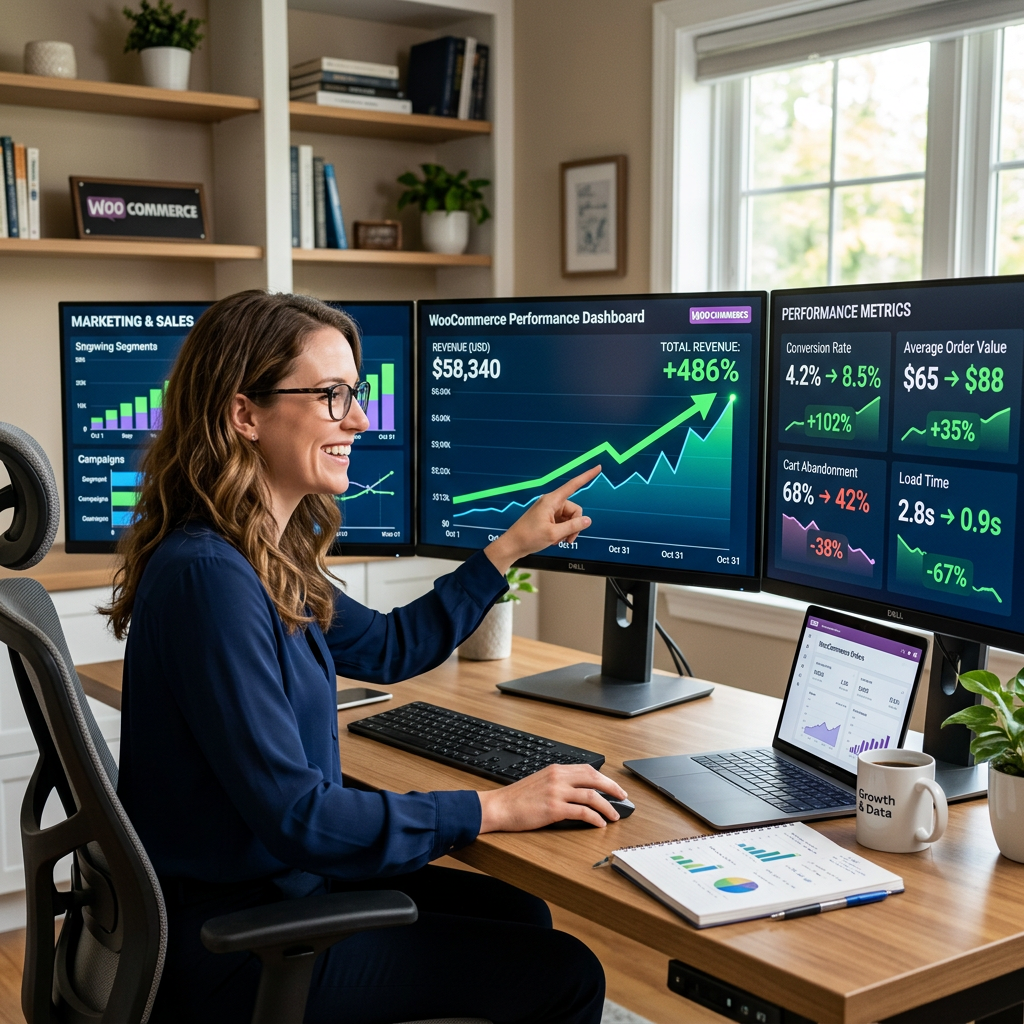
Page speed has always mattered. What’s changed is that it now matters in ways that are directly measurable in dollars — not just in Google rankings, but in checkout completion rates, average order values, and revenue per session. For WooCommerce stores specifically, the relationship between load time and lost sales is well-documented and significant enough that most stores are leaving measurable money on the table without realizing it.
What Core Web Vitals Actually Are
Core Web Vitals are a set of real-world performance metrics Google uses to measure user experience on the web. They’re not theoretical benchmarks — they’re measurements of how actual visitors experience your site. As of 2024, three metrics form the core of the assessment:
- Largest Contentful Paint (LCP) — how long it takes for the largest visible element on the page to load. Google’s threshold for “good” is under 2.5 seconds. This is usually your hero image, product photo, or main heading.
- Interaction to Next Paint (INP) — how quickly your page responds to user interactions like clicks and taps. Good is under 200 milliseconds. On WooCommerce stores, sluggish add-to-cart buttons and unresponsive quantity selectors are common INP killers.
- Cumulative Layout Shift (CLS) — how much the page layout shifts unexpectedly while loading. A score under 0.1 is good. Buttons that jump around while the page loads, or content that shifts when images appear, create poor CLS scores and frustrating experiences.
Google’s Page Experience ranking signals incorporate these metrics. Sites that pass Core Web Vitals thresholds get a ranking advantage over those that don’t — all else being equal. And all else is rarely equal, which means CWV performance is often the tiebreaker.
The Revenue Connection
The performance-revenue relationship has been studied extensively. The consistent finding: every additional second of load time reduces conversion rates by approximately 7%. A page that loads in 5 seconds converts dramatically worse than one that loads in 2.
For a WooCommerce store doing $50,000/month in revenue, a 2-second load time improvement could translate to a 14% conversion rate lift — roughly $7,000 in additional monthly revenue from the same traffic. The math varies by store, but the direction is consistent and the impact is real.
Mobile matters even more here. Mobile conversion rates are already lower than desktop baseline, and mobile users on slower connections are disproportionately affected by poor load performance. If your WooCommerce store loads slowly on a mid-range Android device on a 4G connection, you’re losing a significant portion of your potential mobile revenue.
Why WooCommerce Stores Specifically Struggle
WooCommerce adds complexity that standard WordPress sites don’t have. Product pages load variation data, pricing rules, stock status, and related products — often via multiple database queries. Cart and checkout pages involve AJAX calls, session management, and payment gateway scripts. All of this creates more surface area for performance problems than a simple content site.
Several factors compound this:
- Plugin bloat. Each WooCommerce extension adds JavaScript, CSS, and often additional database queries. The average WooCommerce store runs significantly more plugins than a standard WordPress site — each with its own performance overhead.
- Unoptimized product images. Large product image files are one of the most common LCP killers on WooCommerce stores. A 3MB product photo served at full resolution to every visitor is unnecessary and slow.
- Theme overhead. Many popular WooCommerce themes load large amounts of CSS and JavaScript regardless of whether those features are used on a given page.
- Inadequate hosting. WooCommerce is database-intensive. Shared hosting environments that work acceptably for brochure sites often buckle under the query load of an active WooCommerce store, particularly during traffic spikes.
How to Diagnose Your Store’s Performance
Start with Google’s PageSpeed Insights — run your homepage, a category page, a product page, and your checkout page separately. Each will have different performance characteristics and different bottlenecks. The “Opportunities” and “Diagnostics” sections tell you specifically what’s slowing each page down.
Google Search Console’s Core Web Vitals report shows your actual field data — how real visitors are experiencing your site — broken down by page type and device. This is more actionable than lab scores because it reflects real-world conditions including slow connections, older devices, and browser caching states.
GTmetrix and WebPageTest both offer more detailed waterfall analysis that shows exactly which resources are loading, in what order, and how long each takes. For diagnosing specific bottlenecks — a slow third-party script, an oversized image, a render-blocking stylesheet — these tools give you the granularity PageSpeed Insights doesn’t.
The Fixes That Move the Needle Most
Image Optimization
Compress and convert all product images to WebP format. Implement lazy loading so images below the fold don’t load until they’re needed. Set explicit width and height attributes on images to prevent layout shifts. For most WooCommerce stores, image optimization alone produces the largest single improvement in LCP scores.
Caching
Server-side caching stores pre-built versions of your pages and serves them directly without running PHP and database queries for every request. For WooCommerce stores this requires careful configuration — cart pages and checkout must remain uncached since they contain session-specific data — but product and category pages can be cached effectively.
Hosting Upgrade
If your store is on shared hosting, this is often the highest-leverage single change you can make. Managed WordPress hosting platforms optimized for WooCommerce — with proper database optimization, object caching, and dedicated resources — consistently deliver better performance than shared environments regardless of how well everything else is optimized.
JavaScript Optimization
Defer or remove JavaScript that isn’t needed for above-the-fold rendering. Audit which plugins are loading scripts on every page versus only the pages where those scripts are needed. A booking plugin loading its scripts on every product page is common and unnecessary.
CDN Implementation
A content delivery network serves your static assets — images, CSS, JavaScript — from servers geographically close to each visitor. For stores with a geographically distributed customer base, CDN implementation meaningfully reduces load times for visitors far from your hosting server’s location.
Performance Is Infrastructure, Not a One-Time Fix
One thing worth understanding: Core Web Vitals performance isn’t something you fix once and forget. New plugins, theme updates, additional product images, and traffic growth all affect performance over time. Stores that maintain good scores do so through ongoing attention — monitoring, periodic audits, and treating performance as an ongoing operational concern rather than a one-time project.
At Interactive Design Group, speed optimization is built into every WooCommerce store we build and is part of our ongoing maintenance services. If your store’s Core Web Vitals scores are poor or you’re seeing conversion rates that don’t match your traffic quality, get in touch — we’ll run a full performance audit and show you exactly where the revenue is being lost.