
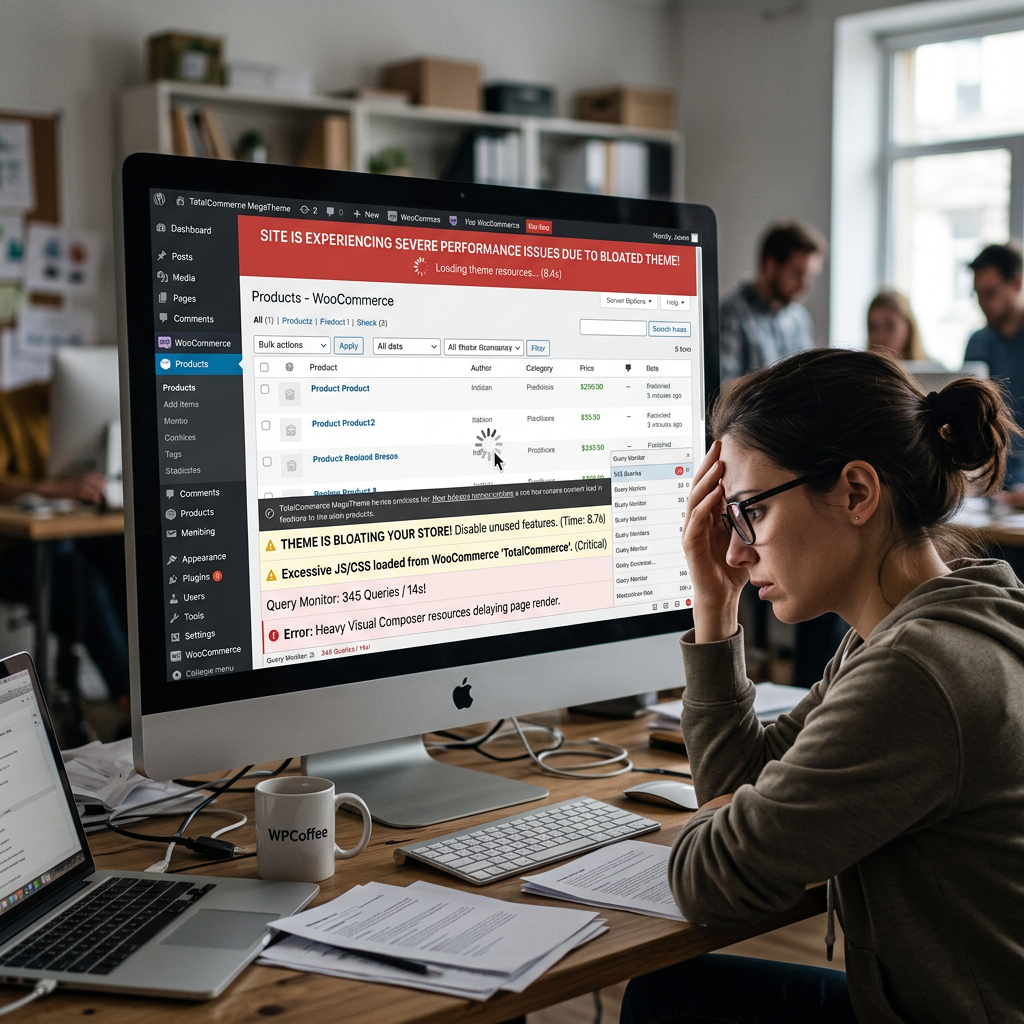
When a WooCommerce store underperforms on speed, the diagnosis usually starts with hosting, images, and plugins. Those are the obvious suspects. What often gets missed — and what quietly undermines performance on otherwise well-configured sites — is the theme itself.
For business owners who invested in a premium theme or had one chosen for them during a previous build, this is an uncomfortable finding. The theme is supposed to be an asset. When it’s the source of performance drag, it represents a structural problem that optimization work around it can only partially address.
Why Themes Become Performance Liabilities
Most popular WordPress and WooCommerce themes are built to sell — to look impressive in a demo, to offer a long feature list, to cover every possible use case a buyer might have. That design philosophy produces themes that load significantly more CSS, JavaScript, and functionality than any individual site actually uses.
A theme built for a photography portfolio loads its gallery scripts on your product pages. A theme with a built-in mega-menu loads that code whether you use it or not. Page builders — Elementor, Divi, WPBakery — add their own overhead on top of the theme’s baseline, generating bloated HTML and loading scripts that compound the problem.
The result shows up in your Core Web Vitals scores, your bounce rates, and your conversion data — often without anyone identifying the root cause. Performance optimization work addresses symptoms without resolving the underlying structural issue, delivering incremental gains on a foundation that has a ceiling.
What This Costs Your Business
The business impact of a slow site is well-documented. Conversion rates decline measurably with each additional second of load time — industry data consistently puts the drop at 7% per second or more. For a WooCommerce store doing meaningful volume, that’s not an abstract number. It’s revenue that should be converting but isn’t, from traffic you’re already paying to acquire.
Google’s Core Web Vitals are now a ranking factor. A site that fails CWV thresholds is ranked lower than a comparable site that passes them, all else being equal. If your theme is the reason your site fails LCP or INP benchmarks, you’re competing at a disadvantage in organic search — paying more in ad spend to compensate for rankings that a leaner site would hold naturally.
Mobile compounds everything. Bloated themes hit hardest on mobile devices and slower connections — exactly the audience you can least afford to lose if mobile represents a significant share of your traffic.
The Limits of Optimization Around a Bad Theme
Caching, image compression, CDN configuration, and script deferral all help. On a theme with fundamental performance problems, they help less than they should. There’s a ceiling on how much you can optimize around structural bloat — at some point, the work required to compensate for the theme’s overhead exceeds the work of replacing it.
This is a conversation that development teams often avoid having with clients, because it’s not what anyone wants to hear after they’ve invested in a site build. But a performance audit that identifies the theme as the primary constraint is doing its job. The correct response is to address the constraint, not to work around it indefinitely while the business absorbs the cost.
What a Properly Architected Theme Delivers
A custom WordPress theme built for performance loads only what a given page actually needs. Product pages load product-specific assets. The homepage loads homepage assets. Scripts that aren’t required for above-the-fold rendering don’t block it. The result is a leaner codebase that performs better across all devices and connection speeds, without the ceiling that bloated themes impose on optimization efforts.
For WooCommerce specifically, this matters across the entire purchase funnel. Product pages that load faster get more engagement. Checkout flows that render quickly convert at higher rates. The compounding effect of consistent performance across the funnel is measurable in revenue — not just in PageSpeed scores.
How to Know If Your Theme Is the Problem
A performance audit identifies whether theme overhead is the primary constraint or a secondary one. This involves profiling which assets are loading on key pages, how much of the JavaScript and CSS is actually used versus loaded unnecessarily, and how the site’s performance compares to what would be achievable with a leaner foundation.
At Interactive Design Group, performance audits are part of how we evaluate existing WooCommerce sites before recommending a path forward. Sometimes optimization work on the current theme is the right answer. When the theme itself is the structural constraint, we say so — and we build custom WordPress themes specifically designed to perform, rather than to impress in a theme marketplace demo.
If your site’s performance has plateaued despite optimization efforts, or you want to understand whether your current theme is limiting what’s achievable, get in touch. We’ll audit what you have and give you a straight answer on what’s actually constraining your performance — and what it would take to fix it.