
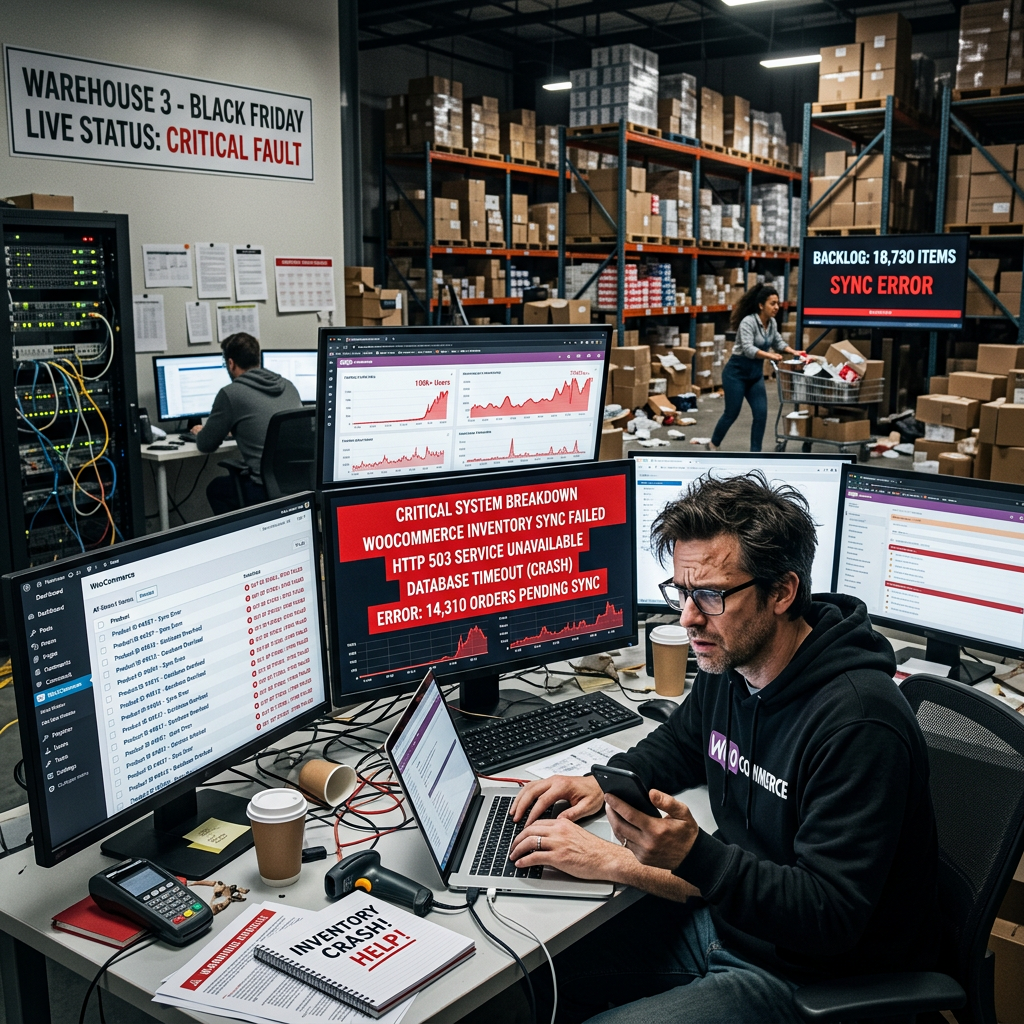
Every WooCommerce store starts out manageable. A few dozen SKUs, one warehouse or back room, maybe a spreadsheet to track what’s on hand. At that scale, manual stock tracking works fine. The problem is that it keeps working just well enough, for just long enough, that most businesses don’t fix it until it’s actively costing them sales.
I get called in most often after an overselling incident — a product sold on the website that was actually out of stock, a refund and an apology email to a customer who should never have been able to complete that order. By the time that happens, the underlying problem has usually existed for months.
Where Manual Tracking Actually Breaks Down
The failure point is rarely one dramatic event. It’s usually a slow drift between what your spreadsheet says and what’s actually on the shelf — a miscount here, a return that never got logged there, a product sold in person that never made it back to the website inventory count. Each individual gap is small. Compounded across hundreds of SKUs and weeks of activity, the numbers stop meaning anything.
Multi-channel selling accelerates this dramatically. If you’re selling through your WooCommerce store, a physical location, and maybe a marketplace like Amazon or Faire, every one of those channels needs to reflect the same real-time stock number. Without a system that actually synchronizes them, you’re either overselling — which damages customer trust — or holding back inventory as a buffer, which quietly caps your revenue on products that were actually available to sell.
What This Costs, Specifically
Overselling costs you twice — once in the refund and customer service time, and again in the trust damage that makes that customer less likely to order from you next time. Understocking, the more common and less visible problem, costs you continuously: it shows up as lost sales that never register as lost sales, because the customer just sees a sold-out product and leaves.
There’s also a time cost that’s easy to underestimate. Every hour your team spends manually reconciling stock counts, updating listings, or chasing down why the numbers don’t match is an hour not spent on something that actually grows the business. I’ve seen businesses with a full-time employee whose job is essentially manual inventory reconciliation — work that a properly configured system does automatically.
What a Properly Built System Actually Handles
Real-time stock sync across every sales channel is the foundation — a sale in one place should instantly reflect everywhere else, without a manual export or a nightly batch job that leaves you exposed for hours at a time. Variant-level tracking matters just as much: if you sell a product in five sizes and three colors, your system needs to track each combination independently, not just the parent product.
Low-stock alerts and automated reorder points take the guesswork out of purchasing — you find out a product is running low before it hits zero, not after a customer tells you it’s unavailable. Backorder and preorder handling, configured correctly, let you keep selling through temporary stockouts instead of losing the sale entirely. And for businesses with more than one location or warehouse, per-location stock visibility is essential — knowing you have inventory somewhere isn’t the same as knowing you can fulfill an order from the right place at the right cost.
The Integration Layer Is Where Most Builds Fall Short
Inventory management isn’t really a WooCommerce-only problem. It’s a data problem that spans your store, your point-of-sale system if you have one, your fulfillment or 3PL provider, and any marketplaces you sell through. A plugin that only tracks stock inside WooCommerce doesn’t solve the actual problem if your POS and your online store aren’t talking to each other in real time.
This is where I see the most underpowered builds fail. Someone installs an inventory plugin, checks the box, and assumes the problem is solved — without verifying that it’s actually wired into every channel the business sells through. The plugin works exactly as advertised. It just doesn’t cover the gap that was actually causing the overselling in the first place.
Knowing When It’s Time to Fix This
If you’ve had an overselling incident in the last few months, if reconciling stock counts takes meaningful staff time every week, or if you’re about to add a new sales channel on top of an already-manual process, that’s the signal. Fixing inventory infrastructure before you scale further is a fraction of the cost of untangling it after a busy season has already exposed every gap in the system.
I build WooCommerce inventory systems that actually hold up under multi-channel, multi-location selling — not just a plugin installed and left to its defaults, but stock sync, alerting, and fulfillment logic configured around how your business actually operates. If manual tracking is starting to show cracks, or you’re planning to add a new channel and want the inventory side handled correctly from the start, get in touch. I’ll give you a straight read on what’s actually needed for your setup.