
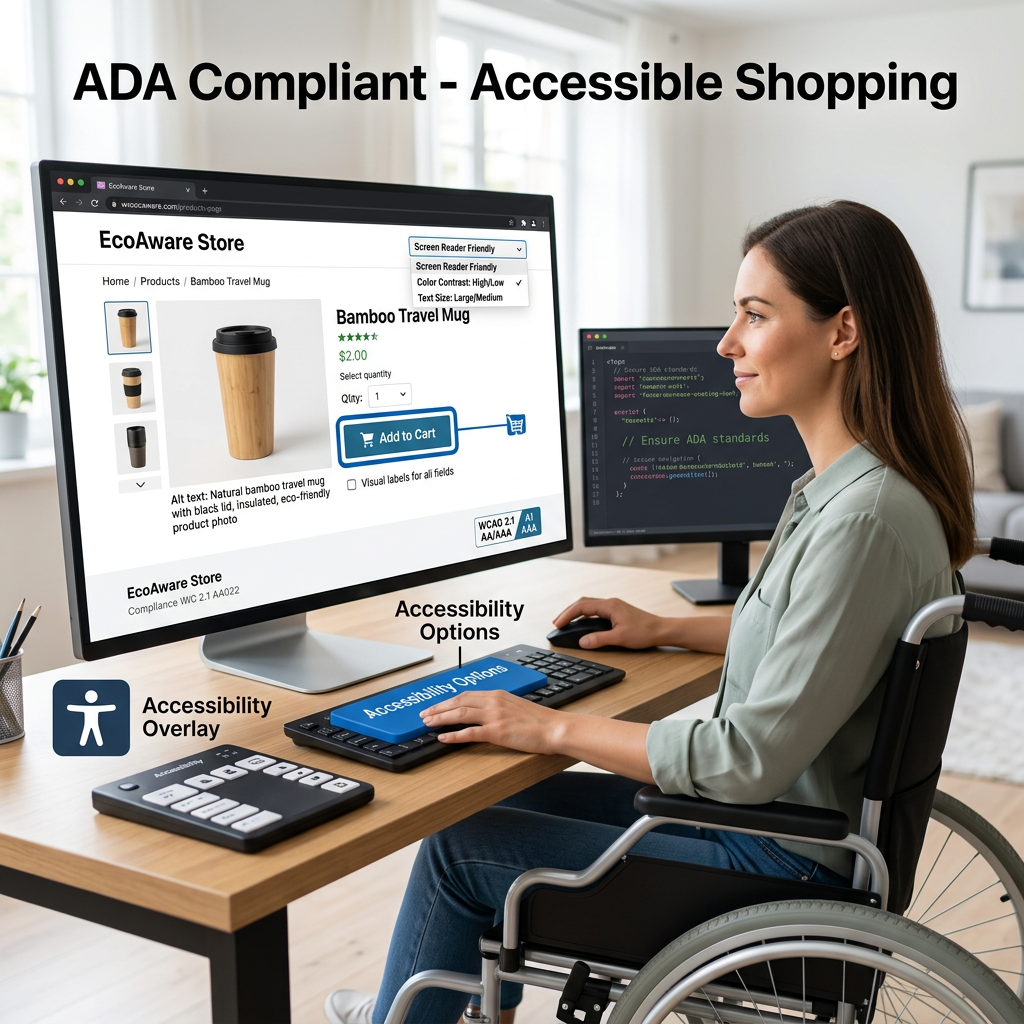
ADA compliance isn’t a topic most e-commerce store owners think about until something forces them to. That something is usually a demand letter from a law firm — and by that point, you’re already looking at legal fees, potential settlements, and an urgent remediation project. Getting ahead of it is significantly cheaper and less stressful than dealing with it reactively.
What ADA Compliance Means for Websites
The Americans with Disabilities Act has been interpreted by courts to apply to websites — ruling that online stores serving the public are “places of public accommodation” subject to ADA requirements. In practice, web accessibility standards are defined by the Web Content Accessibility Guidelines (WCAG), currently at version 2.1. WCAG 2.1 Level AA is the benchmark most courts reference when evaluating whether a website is accessible.
The Legal Reality
ADA web accessibility lawsuits have increased substantially over the past several years. Plaintiffs’ law firms run automated scans across thousands of websites, identify accessibility failures, and send demand letters at scale. E-commerce sites are frequent targets — if a blind customer can’t use your checkout, they’re being denied access in a way a sighted customer isn’t. Settlements typically range from a few thousand dollars to tens of thousands, plus legal fees and the cost of remediation you have to do anyway.
Common Accessibility Failures on WooCommerce Sites
- Missing image alt text. Every image needs descriptive alternative text so screen readers can communicate what it shows.
- Insufficient color contrast. Text needs to meet minimum contrast ratios — 4.5:1 for normal text under WCAG 2.1 AA.
- Form fields without labels. Every checkout input needs a properly associated label element. Placeholder text alone doesn’t satisfy this requirement.
- Non-keyboard-navigable elements. Every interactive element needs to be reachable and operable using only a keyboard.
- Missing focus indicators. Many themes suppress visible focus indicators for aesthetic reasons — this is an accessibility failure.
- Videos without captions. Any video content needs accurate captions for users who are deaf or hard of hearing.
Why WooCommerce Stores Have Specific Challenges
The checkout flow — one of the most legally scrutinized parts of an e-commerce site — involves dynamically updated content, AJAX requests, error messages, and multi-step processes that need to work correctly with screen readers. Product variation selectors, quantity inputs, and cart update mechanisms all need to communicate state changes to assistive technologies correctly. A site that looks fine visually can still be completely inaccessible to a screen reader user if the underlying markup and ARIA attributes aren’t correct.
What an Accessibility Audit Involves
Automated scanning tools — Axe, WAVE, Lighthouse — catch roughly 30–40% of accessibility issues. The rest require manual testing including keyboard navigation and screen reader testing. A legitimate audit combines both, particularly for the purchase path from product page through checkout confirmation.
One Thing Worth Knowing About Overlays
Accessibility overlays and widgets — AI-powered tools that promise instant compliance through a JavaScript snippet — do not make your site compliant. They’re increasingly being named in lawsuits themselves. Courts have been unimpressed by them as a compliance strategy. Real remediation means fixing the actual code.
Getting Your WooCommerce Store Compliant
At Interactive Design Group, we conduct WCAG 2.1 AA accessibility audits on WooCommerce stores and handle the remediation — from surface-level fixes through checkout flow and theme-level code corrections. If you haven’t had your WooCommerce store audited for accessibility, get in touch. It’s a much better conversation to have now than after a demand letter arrives.