
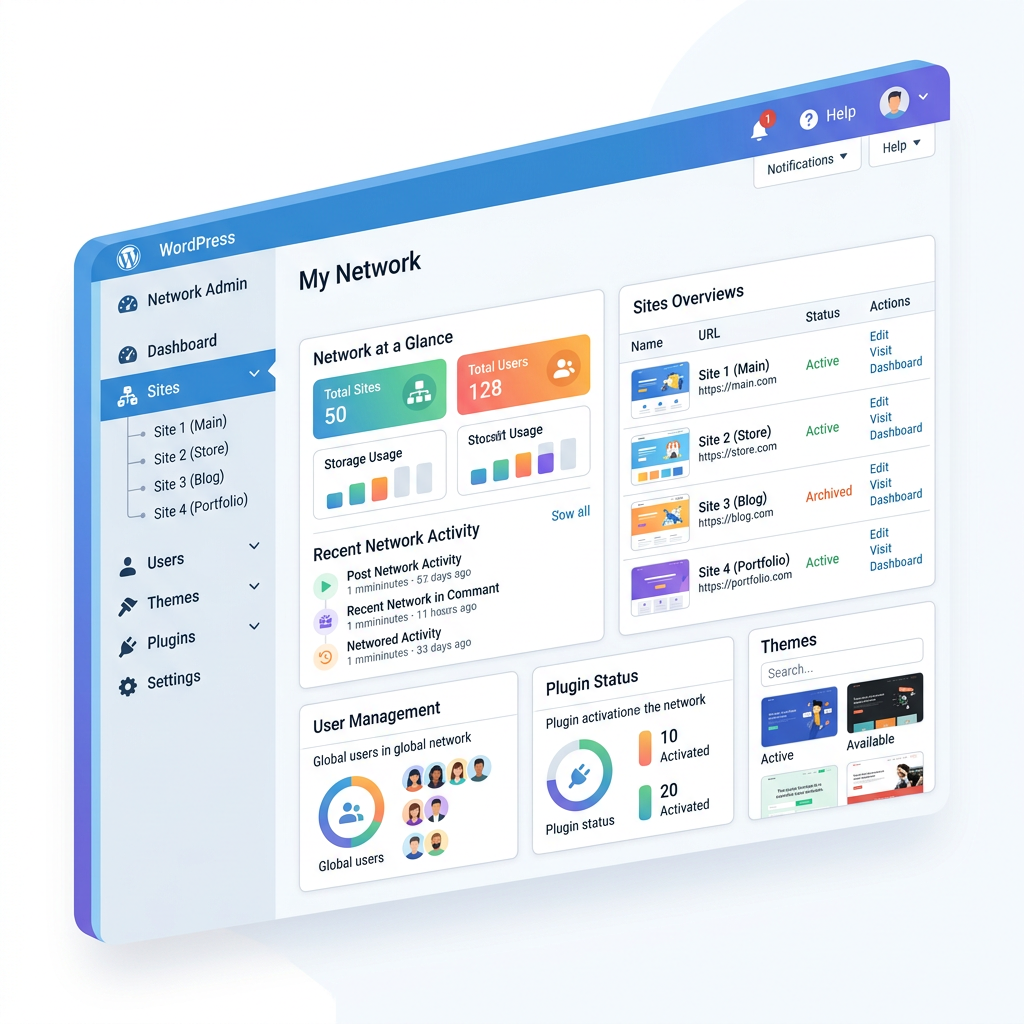
WordPress Multisite is one of those features that sounds more complicated than it is — and is simultaneously used in the wrong situations more often than it should be. Here’s a clear-eyed look at what it actually does, when it’s the right tool, and when you’re better off with something else.
What WordPress Multisite Is
WordPress Multisite is a feature built into WordPress core that lets you run a network of multiple websites from a single WordPress installation. One database, one codebase, one set of plugins and themes — but multiple distinct sites, each with their own content, users, and domain or subdomain. Think of it like an apartment building: one building, shared infrastructure, but separate units that operate independently.
When Multisite Is the Right Choice
You’re managing a large number of related sites
Multisite was built for scenarios like a university with dozens of department sites, a news organization with multiple regional publications, or a franchise with location-specific sites sharing a common theme. If you’re maintaining 10, 20, or 50 sites that share design and functionality, centralized management saves significant time.
You’re building a site-as-a-service platform
WordPress.com itself runs on Multisite. If you’re building a platform where users sign up and get their own site, Multisite provides the architecture to do that at scale without managing thousands of separate installations.
Sites need to share users
In a Multisite network, a single user account can have different roles on different sites. If you need cross-site user management, Multisite handles it natively in a way that’s difficult to replicate with separate installs.
When Multisite Is the Wrong Choice
- You just have two or three sites. The overhead doesn’t pay off without enough sites to benefit from centralized management.
- The sites are very different from each other. When sites have very different plugin requirements or need different update schedules, the shared infrastructure becomes a constraint.
- You need WooCommerce across multiple sites. WooCommerce and Multisite have a complicated relationship — many extensions don’t support it or require separate licenses per site. Separate installs are almost always the cleaner path for e-commerce.
- You’re not comfortable with the added complexity. Multisite adds complexity to backups, migrations, debugging, and plugin compatibility. A problem at the network level can affect all sites simultaneously.
Technical Considerations Worth Knowing
- Hosting requirements. Not all hosting environments support Multisite well.
- Plugin compatibility. Not every plugin is Multisite-compatible — verify before committing.
- Backup complexity. One database contains data for all sites — restoring a single site is more complex than a standard restore.
- Converting later is painful. Moving from separate installs to Multisite, or back again, is a significant migration. Make the right architectural decision before you build.
The Bottom Line
WordPress Multisite solves real problems — for the right use case. A large network of related sites, a site-building platform, or an organization needing centralized management are all good fits. Two business websites and a blog are not. If you’re planning a multi-site build and want an honest opinion on the right approach, get in touch — we’ll help you make the right call before you build.