
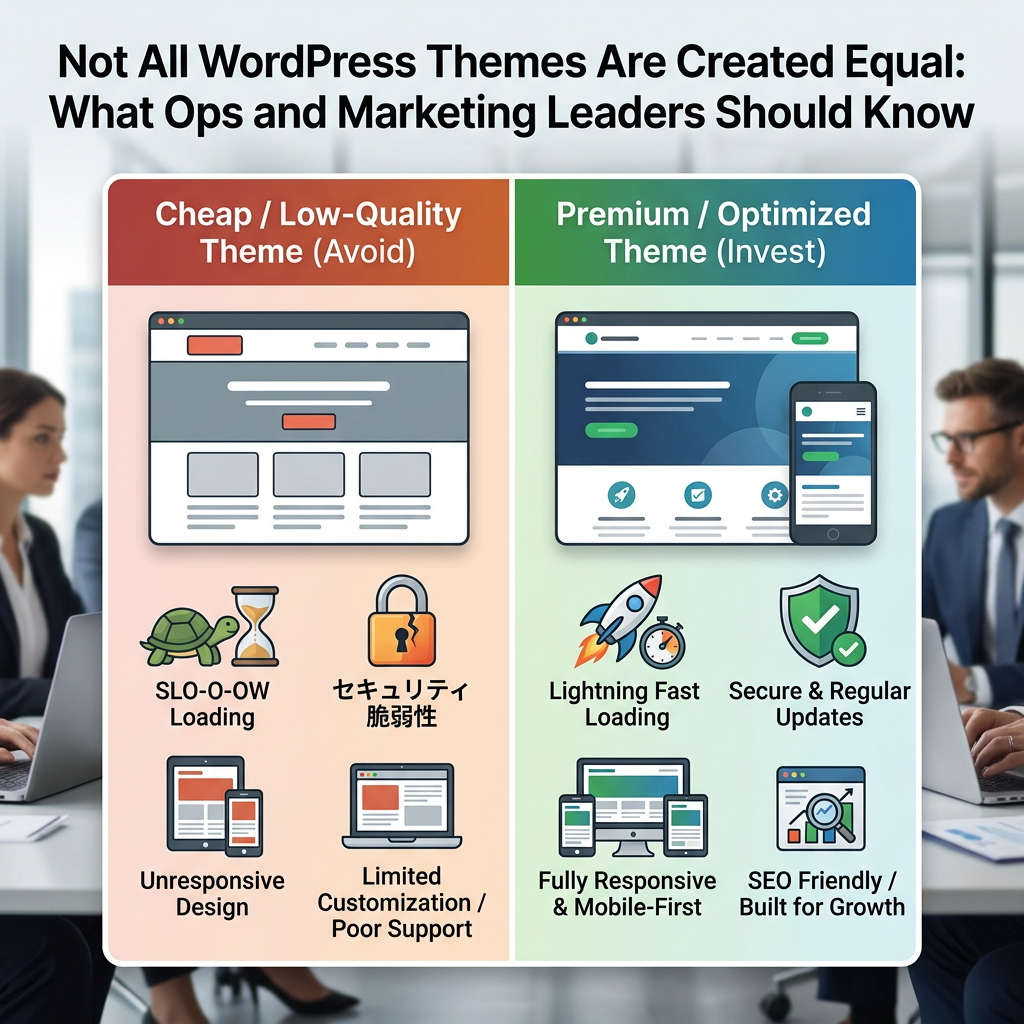
“We’ll build it on WordPress” tells you almost nothing about what you’re actually getting. The theme underneath a WordPress site — the foundation everything else gets built on — varies enormously in quality, and that variance has real consequences for performance, security, and how much a future change is going to cost. Operations managers and marketing directors rarely ask about theme choice specifically, and that’s usually a missed opportunity in the vetting process.
Why the Theme Matters More Than It Seems To
A theme isn’t just the visual design. It’s the underlying code structure that determines how the site loads, how it handles updates, how well it plays with plugins, and how much custom development is required to make it do what your business actually needs. A bloated, generic multipurpose theme built to handle every possible use case tends to load slower, carry more security surface area, and fight harder against customization than a purpose-built or well-architected theme designed around what the site actually needs to do.
The Three Approaches, and Their Real Trade-offs
- Off-the-shelf multipurpose themes — fast to launch and inexpensive up front, but often loaded with unused features, page builder dependencies, and generic code that wasn’t written with your specific site in mind. These can work fine for simple needs, but they tend to become a drag on performance and flexibility as a site grows.
- Premium themes built for a specific purpose — better performance and cleaner code than generic multipurpose themes, but still a shared foundation used by thousands of other sites, which means less flexibility for anything genuinely custom to your business.
- Custom-built themes — built specifically around your site’s actual requirements, with no unused bloat and no fighting against someone else’s design decisions. This costs more upfront and takes longer, but it tends to perform better, stay more secure, and scale more predictably as the business’s needs change.
None of these is automatically the right answer — a simple brochure site doesn’t need a fully custom theme, and a highly specific enterprise workflow usually can’t be forced into a generic one without a lot of expensive workarounds. The problem is when an agency defaults to whatever’s fastest for them to deploy, regardless of what actually fits your situation.
What to Ask an Agency Before You Sign
- What theme approach are they proposing, and why? Get a specific rationale tied to your actual requirements, not a default answer they’d give any client.
- Who maintains the theme, and what’s its update history? A theme that hasn’t been updated in a year or two is a security and compatibility risk waiting to surface.
- How does the theme perform on real page speed tests? Ask for actual load time and Core Web Vitals numbers on a comparable site, not a general claim that it’s “fast.”
- How much of the functionality depends on a specific page builder? Heavy page builder dependency can make future edits slower and can create real problems if you ever need to move away from that builder or that agency.
- What happens if you need something the theme wasn’t built to do? Ask how much custom development that typically requires, and get a sense of whether that’s a common occurrence with their proposed approach.
- Who owns the theme’s code once the project is done? With a custom build, you should own it outright. With a licensed premium theme, understand what that license does and doesn’t give you.
What I’d Tell a Colleague Making This Call
Ask to see the actual site performance of something the agency has built with their proposed theme approach — not a demo, a live client site under real traffic. Theme quality is one of those things that’s easy to gloss over in a proposal and expensive to fix after launch.