
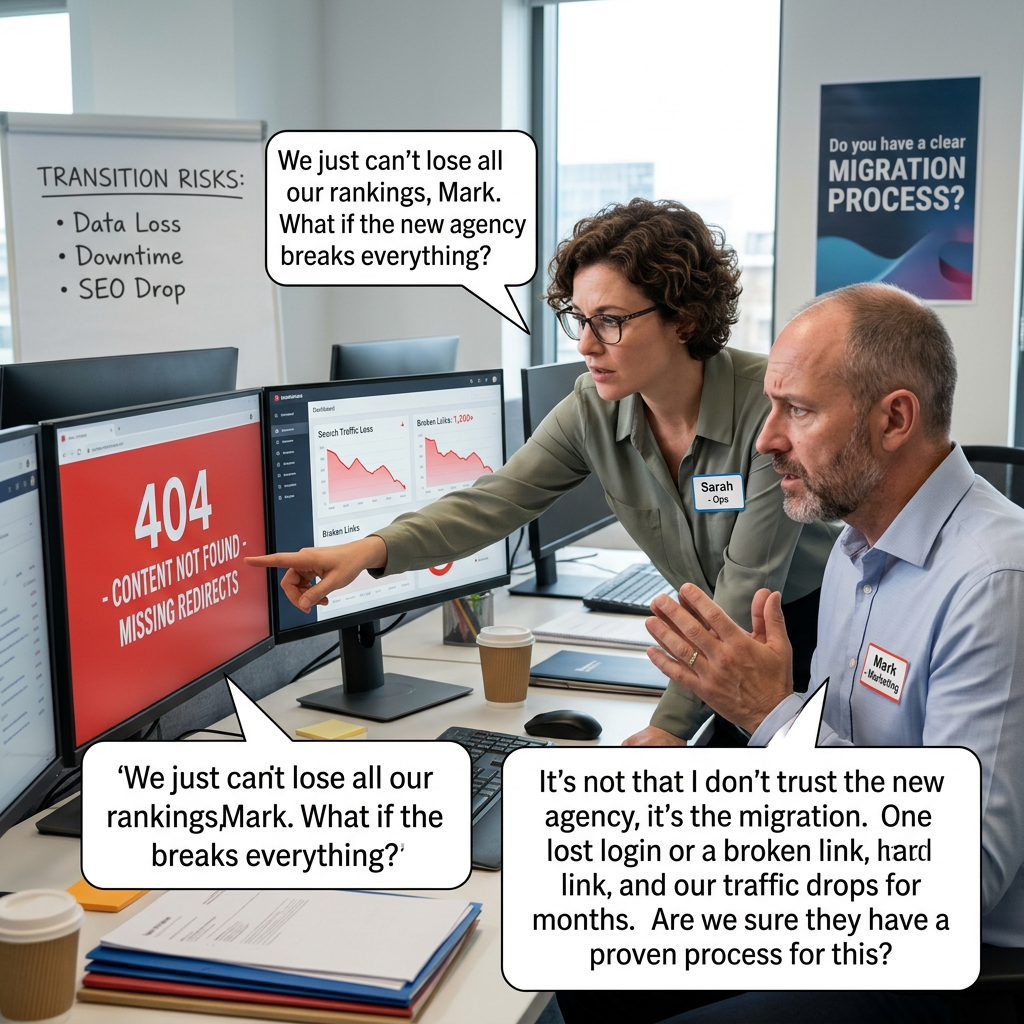
The single most common reason a company hesitates to leave an underperforming agency isn’t the new agency — it’s fear of what happens during the move. Lost content, broken URLs, a gap in search rankings, an admin login nobody can find. Those fears are usually justified, because a lot of agencies don’t have a real migration process. They have a general sense that it’ll be fine. Operations managers and marketing directors evaluating a switch deserve a more specific answer than that.
Why This Goes Wrong More Than It Should
A WordPress site is more than its content. It’s URL structure, redirects, custom fields, plugin configurations, form submissions history, SEO metadata, and often a handful of undocumented customizations nobody remembers the reason for. An agency that migrates the content but not the structure around it can technically move a site while quietly breaking the things that made it work — search rankings that took years to build, integrations that silently stop functioning, or historical data that just disappears.
What to Ask Before You Commit to a Switch
- Who actually owns the domain, hosting account, and admin access right now? Get this answer before anything else. If the outgoing agency controls any of these and the relationship is contentious, that’s a risk to plan around immediately.
- What’s the plan for preserving URL structure? Every URL that changes without a proper redirect is a potential broken link and a hit to search rankings. Ask specifically how existing URLs will be mapped to the new site.
- How is SEO equity protected during the move? This means 301 redirects done correctly, metadata carried over intact, and search console access transferred — not just “we’ll redirect the important pages.”
- What happens to historical form submissions, order data, or custom content types? If there’s WooCommerce order history, gated content, or custom post types, ask exactly how that data survives the migration, not just the blog posts and pages.
- Is there a staging environment to test the new site before it goes live? A migration that goes straight to production with no testing phase is a migration with no safety net.
- What’s the rollback plan if something goes wrong? Ask what happens if the new site has a critical issue after launch — can you revert quickly, or is the old site already gone?
- Will you actually own everything once this is done? Domain registration, hosting account, and admin credentials should end up fully in your organization’s control, not tied to the new agency in a way that makes a future switch difficult again.
What a Clean Migration Actually Looks Like
Content, structure, and data move together, not just the parts that are easy to copy and paste. URLs redirect properly. Search rankings dip minimally, if at all, because the technical foundation moved intact. Nothing depends on remembering to ask about it after the fact — it’s mapped out and confirmed before the migration starts, with a documented rollback plan in case it isn’t.
What I’d Tell a Colleague Making This Call
Ask the new agency to walk through a past migration in detail — what moved, what didn’t, and what they’d do differently now. An agency that’s done this well before will have a specific story. One that hasn’t will speak in generalities, and that’s worth noticing before you’re mid-migration and finding out the hard way.